Stop chasing payments
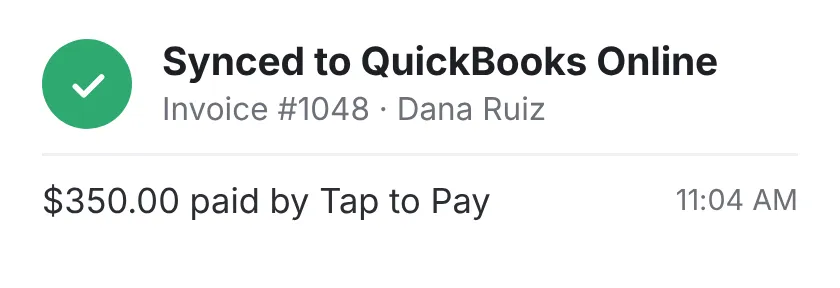
Your tech sends the invoice the minute the job’s done and takes payment right there. It all syncs with QuickBooks Online, and you see what you made on every job.
30-minute demo, then 14 days free We set it up for you


What it fixes
Invoices typed up at night
Approved estimates and finished jobs turn into invoices automatically.
Paid work given away as warranty
You get a heads-up when billable work gets logged as warranty.
Entering everything twice
Customers, invoices, and payments sync with QuickBooks Online, both ways.
Guessing what labor costs you
It comes from your techs’ clock-ins, drive time and overtime included.
Paid before the truck leaves
Every day an invoice sits, you’re carrying the job. Card, ACH, or Tap to Pay, right on the tech’s phone. The receipt goes out by text.

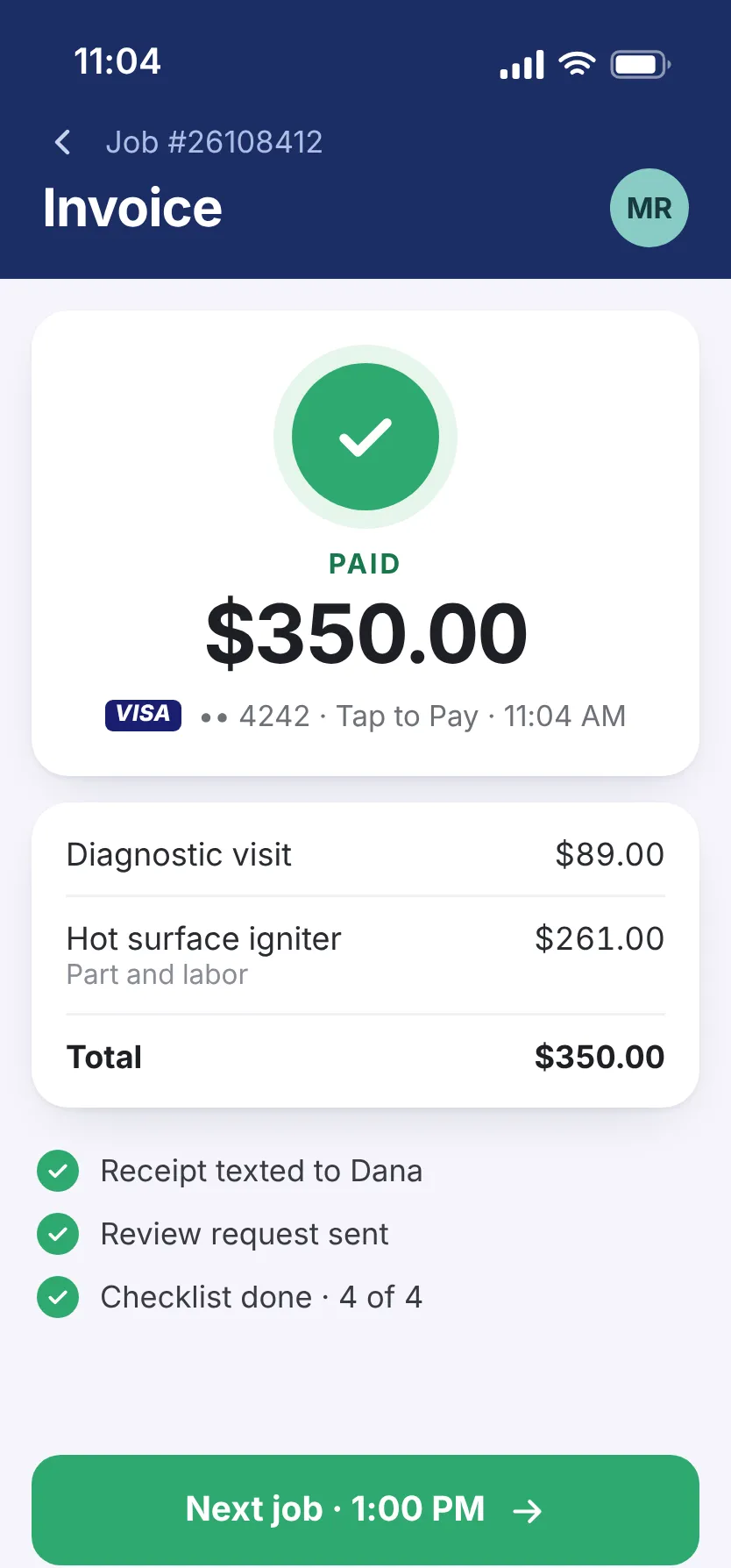
- Money up front on big jobs Take part of the payment now, and track what’s left.
- Know when they’ve paid The invoice shows Paid the moment they do.
- Every receipt on file Each payment is saved with its receipt.
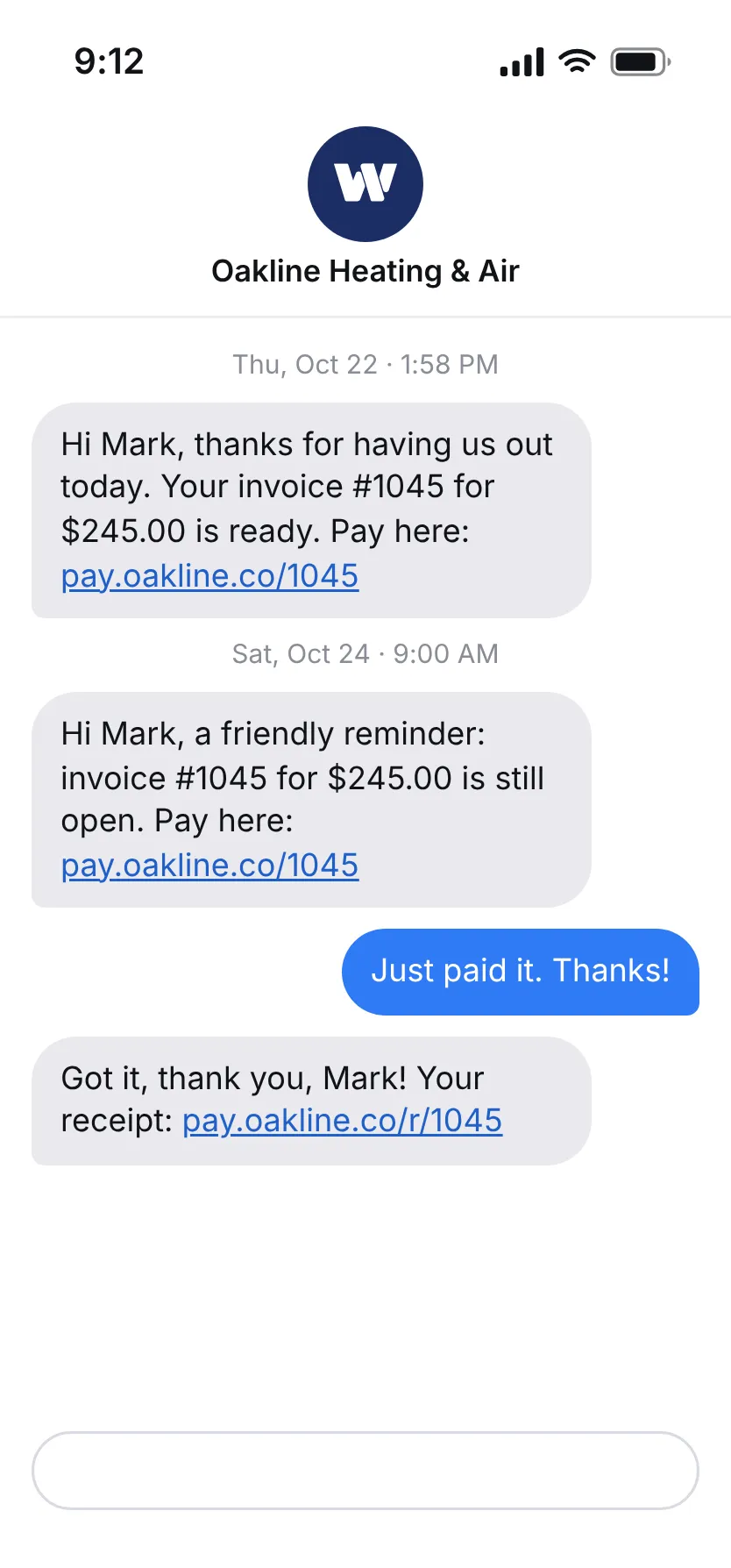
Tech forgot to collect? Send a link.
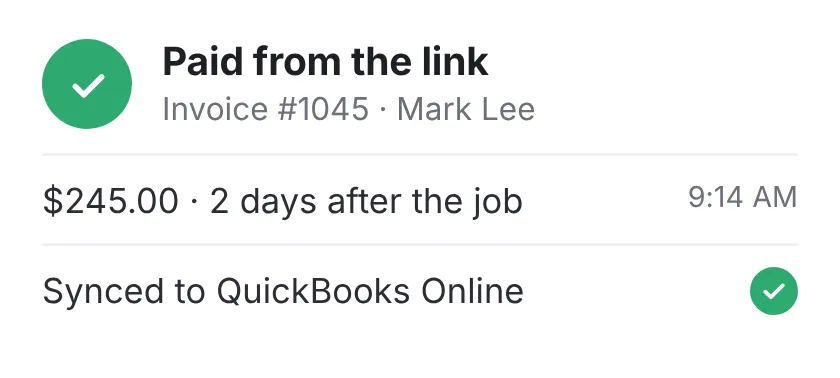
The customer pays from a text, and nobody at the shop has to follow up.
- Paid without a second trip The invoice goes by text right after the job, with a link to pay.
- Fewer collection calls A reminder goes out automatically if it sits.
- Slow payers flagged early See who owes you, and for how long.

Everything in Invoices & payments
There’s one plan, and all of this comes with it. No add-ons.
See the full list Hide the list
Getting paid
- Customers pay from a link on the invoice
- The invoice shows Paid the moment they pay
- Partial payments and deposits
- Reminders on unpaid invoices
- See who owes you, and for how long
- Slow payers flagged early, so follow-up starts sooner
- Every past payment on file, with receipts
- Membership invoices created on schedule
Invoices
- Your tech sends the invoice the minute the job’s done
- Every line priced from your price book
- Services and parts suggested from the job and the customer’s history
- An alert when an invoice doesn’t match the job
Costs
- Log materials, fuel, and other costs to the job
- Parts priced from your inventory and added to job cost
- See what each supplier charges for a part
- Know when to reorder, based on the jobs ahead
- Spread truck, insurance, tool, and office costs across your jobs
- See which jobs ran over on labor hours
- Expenses sorted, with tax write-offs marked
- Transactions matched, and anything that doesn’t add up flagged

Get paid the same day.
See how in 30 minutes.
- We walk you through it on jobs like yours
- Then a free 14-day trial, no credit card
- We set it all up for you
- 24/7 support from real people
Pick a time for your demo
30 minutes, one-on-one, online.