Keep the arrival window you promised
Jobs run long and customers cancel. See who’s free, move a job, and know what it does to the rest of the day.
Book a demo
30-minute demo, then 14 days free We set it up for you

What it fixes
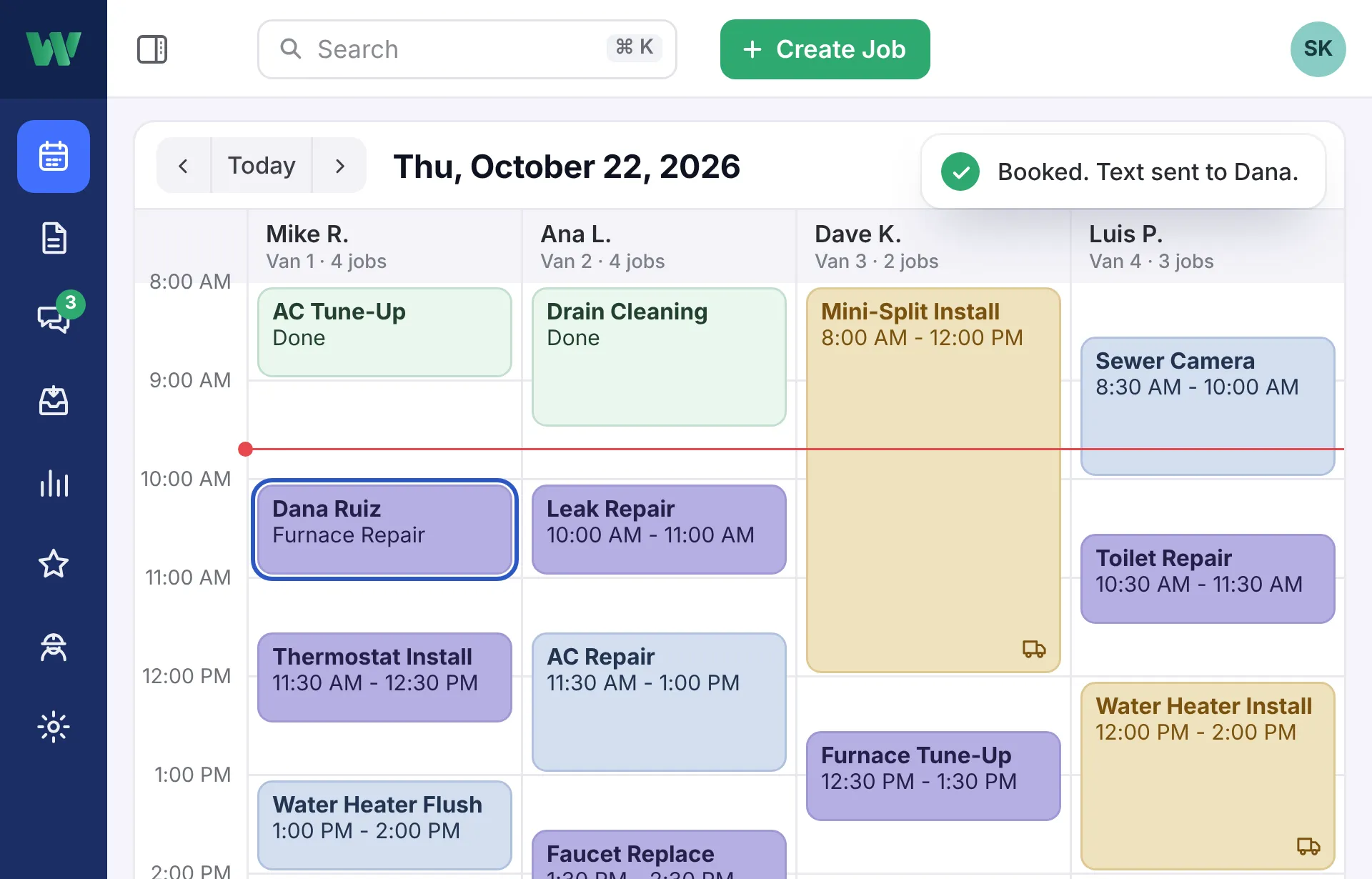
Calling techs to move jobs
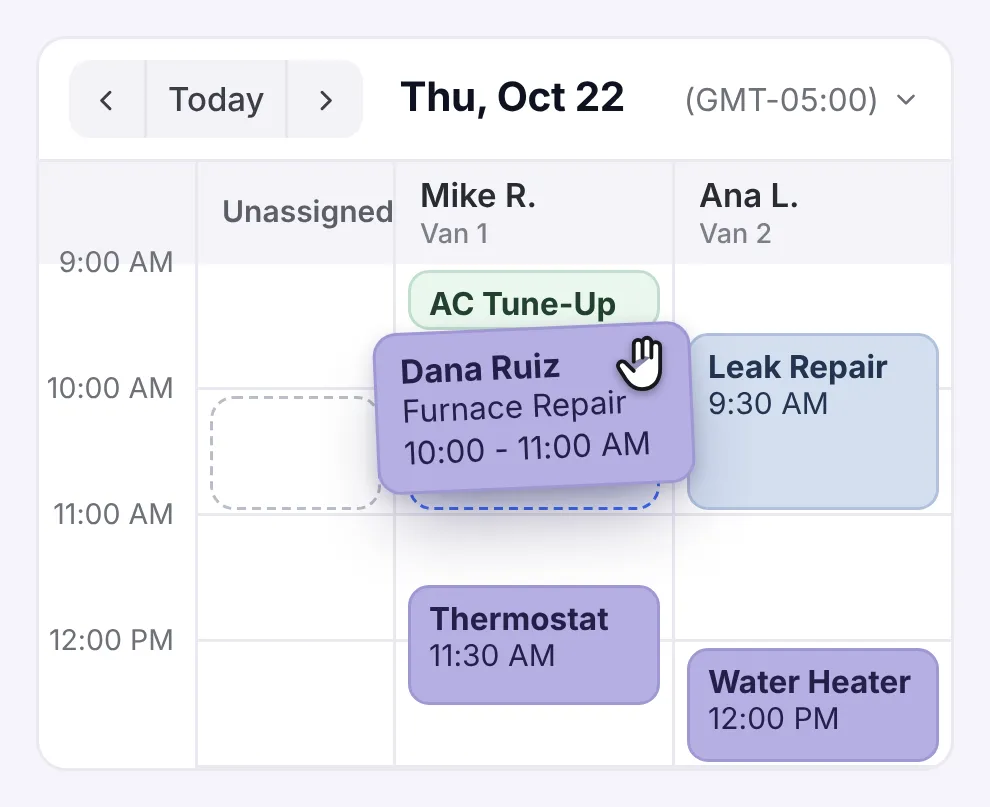
Drag a job to another tech or time, and it’s on their phone right away.
Guessing who’s free
Every tech’s hours and days off, right on the board.
The wrong tech on the job
It suggests the right one by skill, area, and workload. Your dispatcher makes the call.
Nobody home when your tech shows up
Confirmation and reminder texts go out, so the customer’s there.
Emergency on the line? Squeeze it in.
See who can take it without calling around the shop.
- Catch double-bookings A warning the moment two jobs overlap, with fixes to choose from.
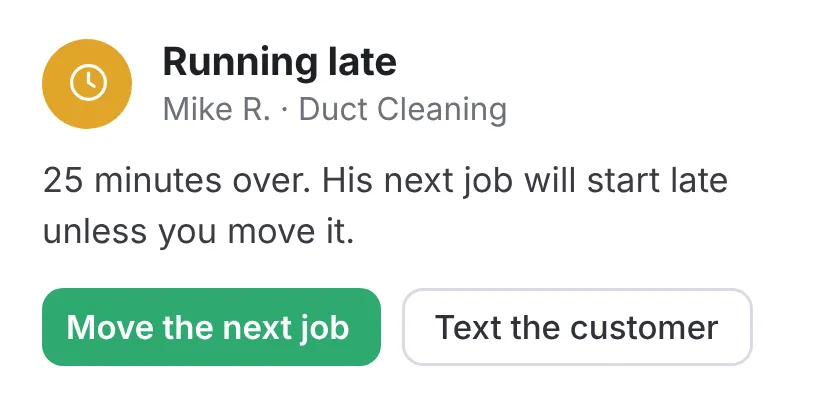
- Tech running late? You’ll know An alert when a job runs long, so you can move the next one.
- Not stuck at the desk Move jobs from your phone, wherever you are.

Less time on the road
Time on the road costs you fuel and labor. Live GPS shows every truck on the map and logs every mile.

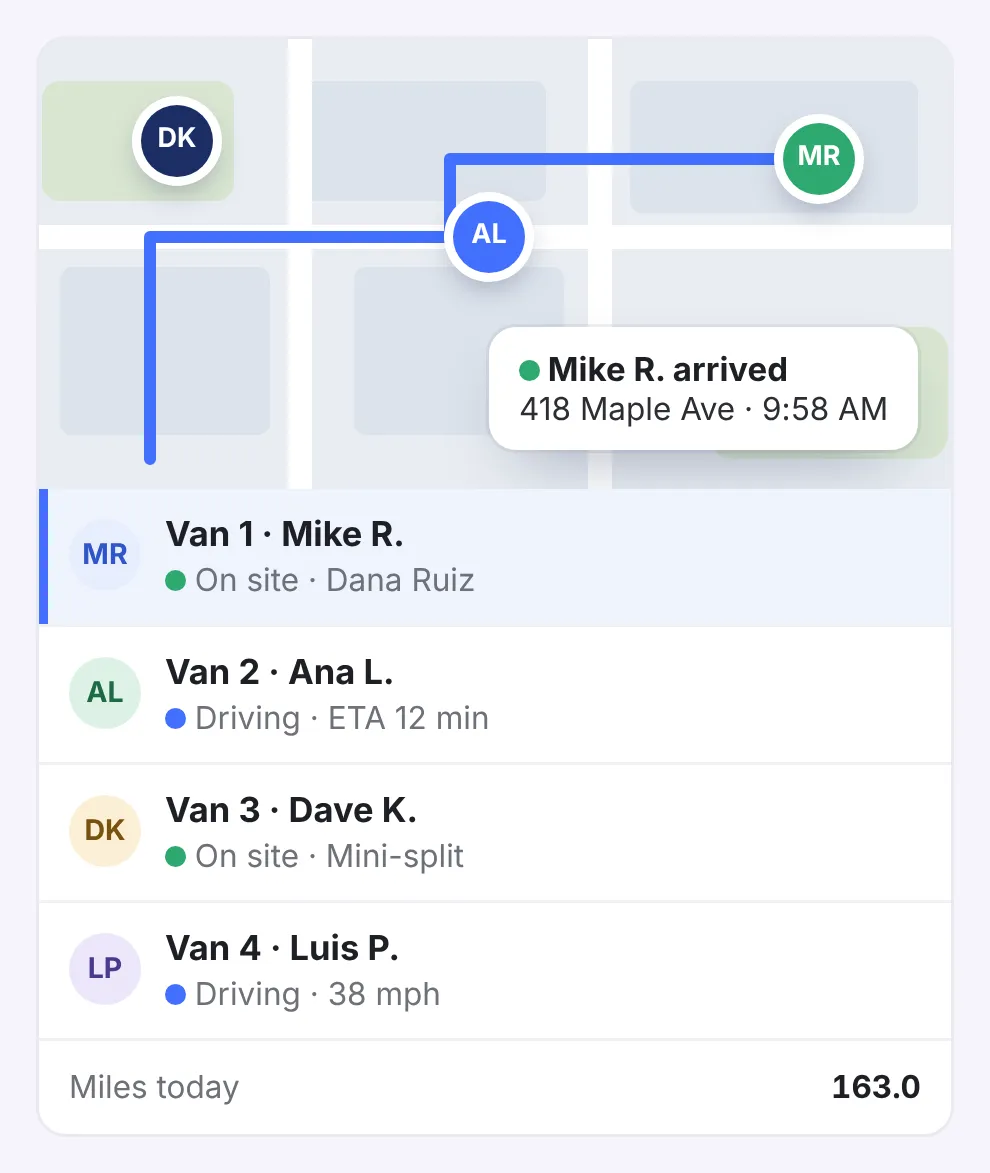
- Where’s everybody? Each truck on the map, and which job it’s on.
- Less crisscrossing town The day’s stops in the best order, planned around traffic.
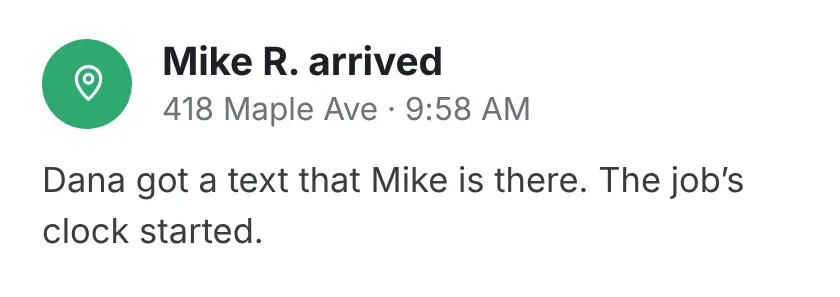
- Did he show up? Know the minute a truck pulls up, and the customer gets a heads-up.
Everything in Scheduling & dispatch
There’s one plan, and all of this comes with it. No add-ons.
See the full list Hide the list
The board
- Every job on the map
- Set how long each type of job takes
- A warning the moment you double-book a tech
- Change a booking, and the tech’s day updates
- Move jobs from your phone
Changes & urgent jobs
- A time slot and tech suggested for each new job
- Urgent job? Find a free tech fast
- See what a move does to the rest of the day
- Extra reminders for customers likely to miss the visit
Trucks & routes
- Every truck on the map
- Alerts when a truck reaches a job, or leaves the shop or your area
- Every mile logged, for taxes and truck costs
- The best order for the day’s stops
- Routes and drive times planned around traffic
- Set service areas and assign techs to each one
- When the truck pulls up, the arrival’s logged and the customer gets a heads-up
- What each mile really costs, personal trips left out

Fit more jobs into every day.
See how in 30 minutes.
- We walk you through it on jobs like yours
- Then a free 14-day trial, no credit card
- We set it all up for you
- 24/7 support from real people
Pick a time for your demo
30 minutes, one-on-one, online.