Job details on your tech’s phone, even with no signal
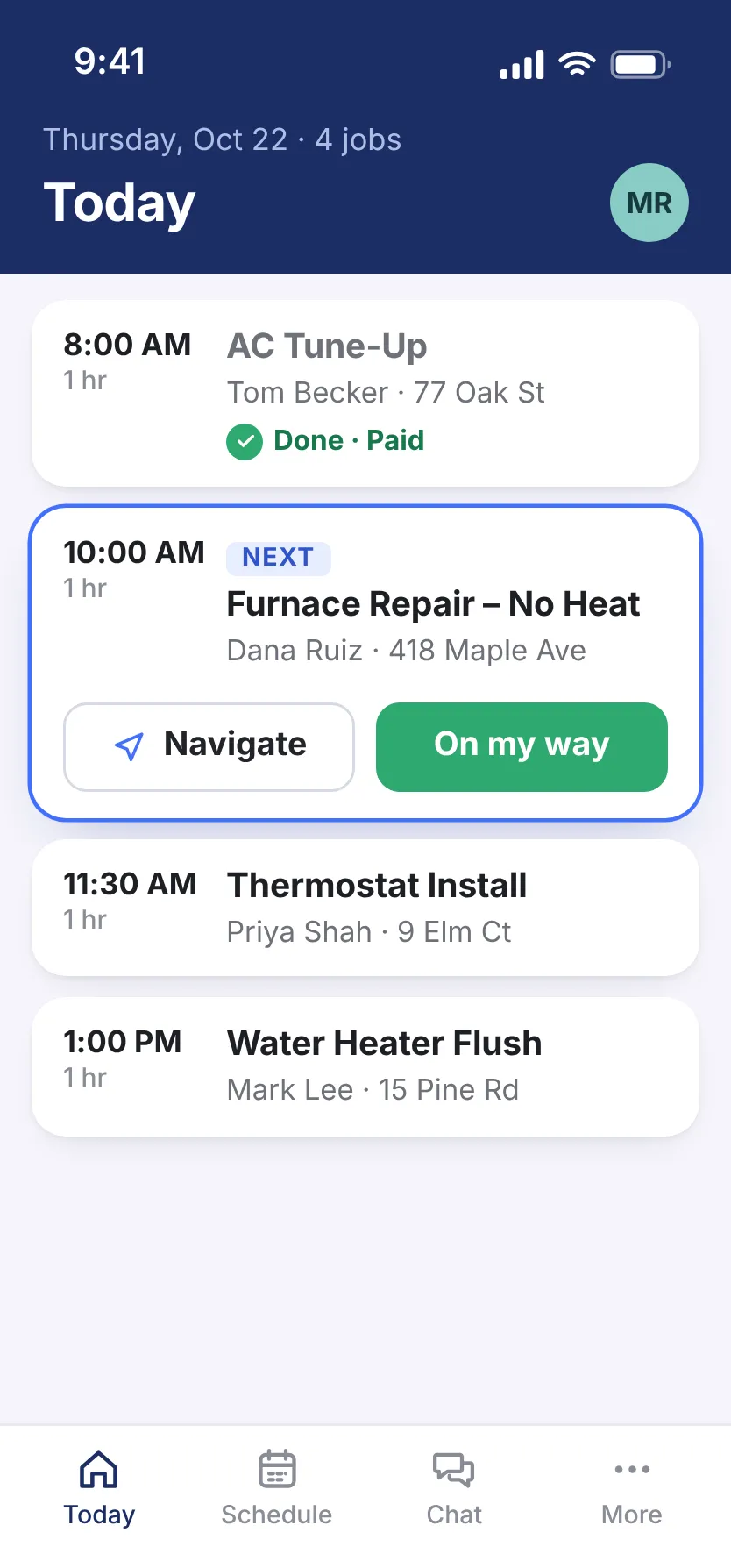
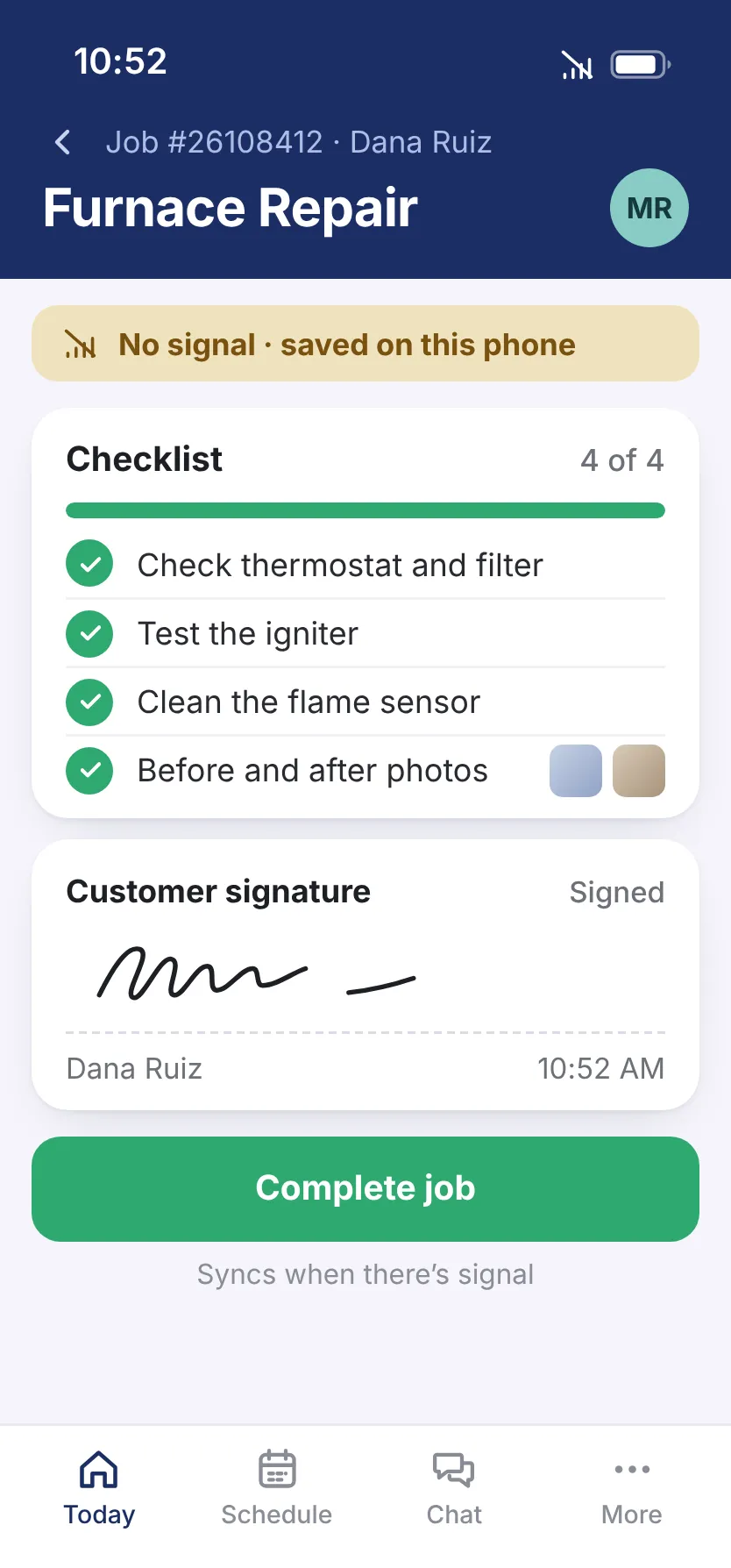
Your tech is up in an attic or down in a crawl space with no signal. He can still pull up the job, fill out forms, get the signature, and log materials. It all syncs when he has signal again.
30-minute demo, then 14 days free We set it up for you
Download on the App Store Get it on Google Play

What it fixes
Techs lost in a busy app
They see today’s jobs, directions, checklists, photos, and payments, and that’s it. Training is free.
Steps skipped on the job
A job can’t be closed until the checklists and forms you require are done.
iPhone or Android?
Either one, or a tablet. Your techs use the phone they already carry.
More wrench time
One tap opens the route to the next job. Another tells the customer he’s on the way, so nobody calls asking “When will he be here?”

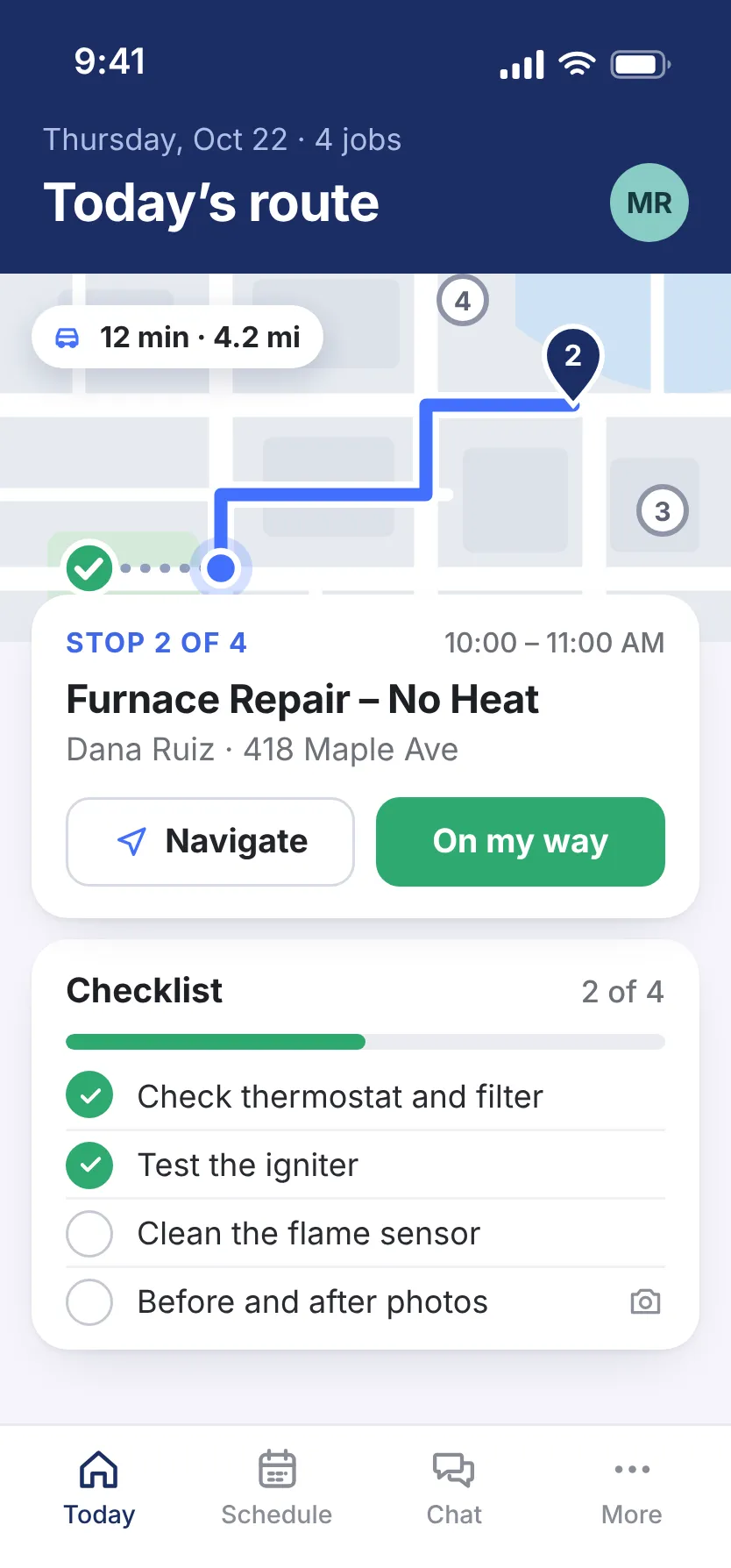

- Proof of the work Before and after shots are saved with the job.
- Model numbers from a photo It reads the model number off the data plate.
- Less typing for your techs Forms fill in from the job and the customer’s history.
Sold at the kitchen table
Once your tech packs up, the sale’s gone. The customer picks an option on the tech’s phone, signs, and pays right there.

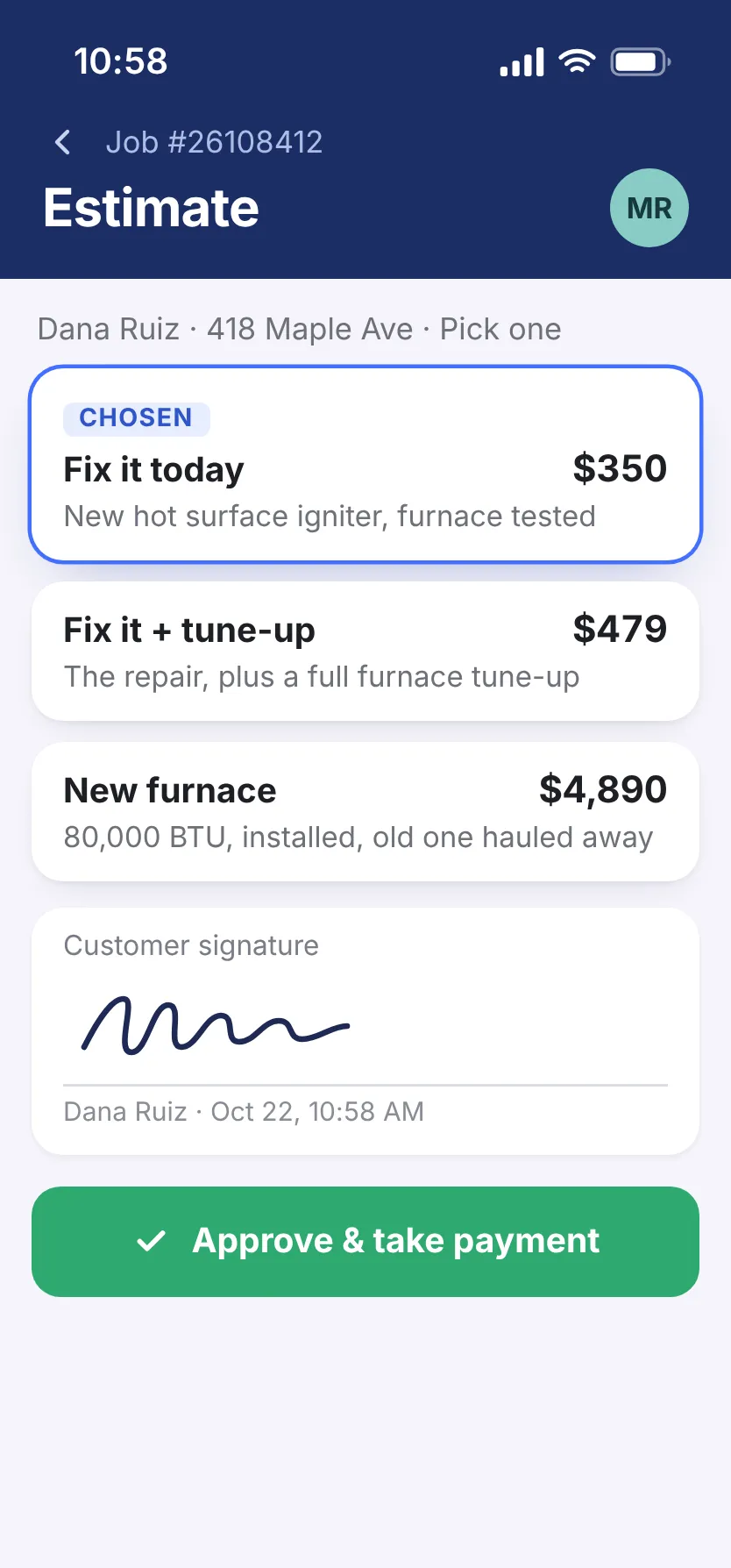
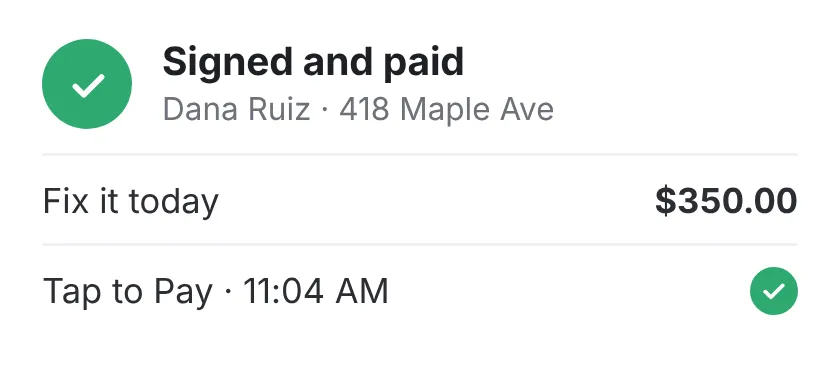
- Your prices on every option They come from your price book.
- A yes in writing Signed on the phone and saved with the job.
- Paid before he pulls away Card, ACH, or Tap to Pay on his phone.
Everything in the tech app
There’s one plan, and all of this comes with it. No add-ons.
See the full list Hide the list
On the job
- Site photos go straight into the job
- Photos sorted by type, and the model number read from the data plate
- Forms come filled in from the job and the customer’s history
- See the parts this kind of job usually needs
- Permit forms, completion certificates, and surveys, ready in the job
Job status
- Your tech checks in on site, and the status updates itself
- See where every job stands
- Set your own statuses, with the reason for each change
- An alert when a job starts running late
- Every change logged: who did what, and when
Files
- Spec sheets, warranties, and signed forms saved with the job
- Any job document as a PDF
- Tag jobs, then filter by tag

Keep your techs off the office phone.
See how in 30 minutes.
- We walk you through it on jobs like yours
- Then a free 14-day trial, no credit card
- We set it all up for you
- 24/7 support from real people
Pick a time for your demo
30 minutes, one-on-one, online.