
Field service software for HVAC & plumbing shops
WorkflowPros vs. Housecall Pro
A login for everyone in your office. A tech app that works with no signal. Real people, 24/7.
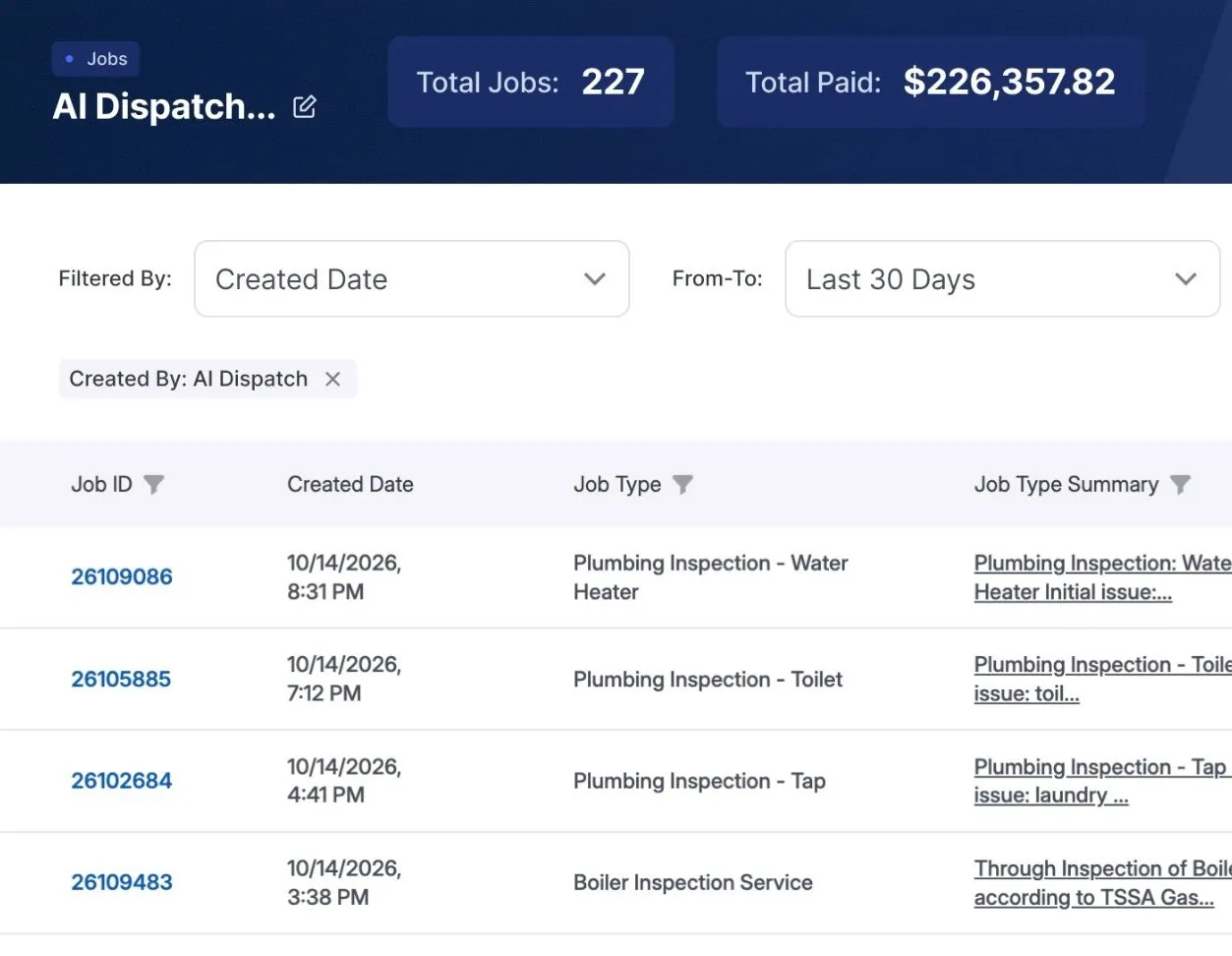
 $226K more a month with WorkflowPros 227 more jobs in 30 days, no new hires Superior Plumbing & Heating, one of our own shops, says it would have missed those calls. WorkflowPros answered them. Revenue, not profit. See the report
 Housecall Pro’s side is from its own website and help center, checked October 20, 2026. See the sources
WorkflowPros
Logins for your office
Every office login, free
As many office logins as you need.
1, 5, or 8 users
Each user past that is billed. 1
Your tech with no signal
Keeps working
It all syncs when he has signal again.
Can look, can’t edit
With no signal, jobs are view-only for now. 2
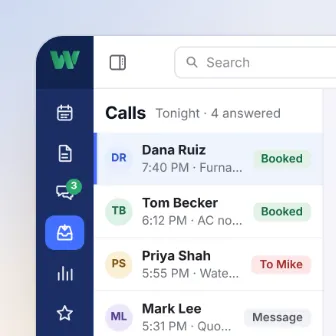
Calls you miss
Answered and booked, 24/7
The AI receptionist books the job. 1,000 minutes a month included, extra billed.
Sold separately
Their AI call answering, CSR AI, is an add-on. 3
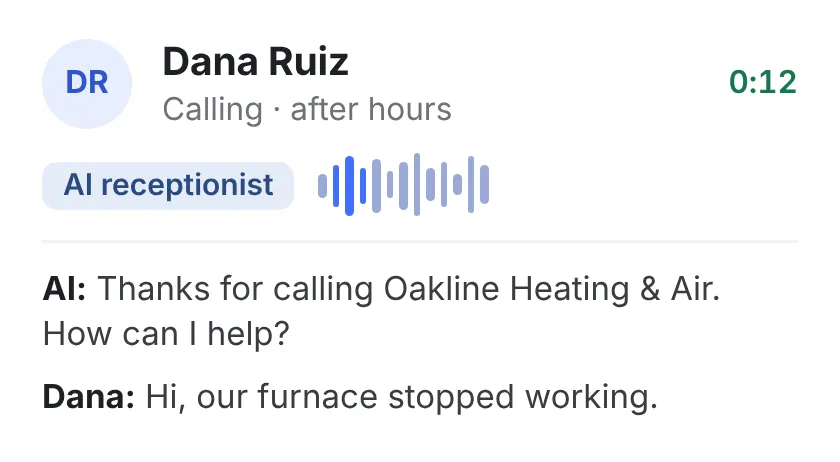
Keeping QuickBooks up to date
Syncs both ways
Nobody types anything twice.
Mostly one way
From Housecall Pro into QuickBooks, on Essentials and MAX. 4
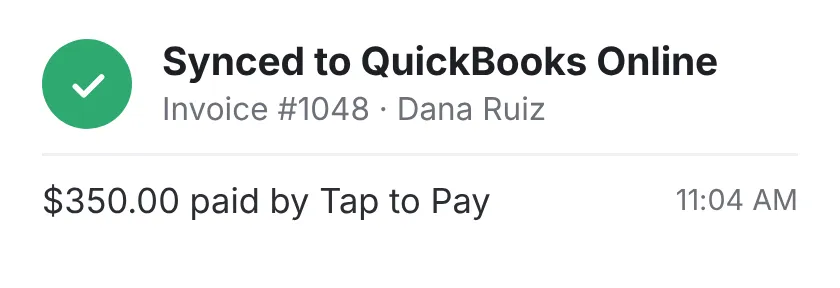
When the app acts up
By phone, 24/7
Real people, weekends and holidays too.
Daytime only
Phones Monday to Saturday and chat every day, daytime hours only. 5
If you want out early
Cancel anytime
Month to month, with no fee to leave.
Cancel anytime too
No long-term contract. 6
Straight from the shop’s report
227 jobs the AI booked in 30 days, from calls the shop says it would have missed
Feature by feature
Everything here comes with WorkflowPros. With Housecall Pro, some of it starts on the Essentials or MAX plan.
 Calls & bookings 2 features · 1 not on every plan
- Online booking for your customers Included Every plan
- Track every call until it’s booked Included MAX plan only
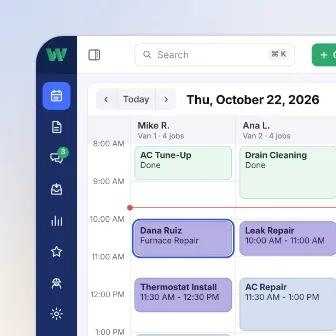 Scheduling & dispatch 2 features · 1 not on every plan
- Move a job to another tech or time Included Every plan
- The best order for the day’s stops Included MAX plan only
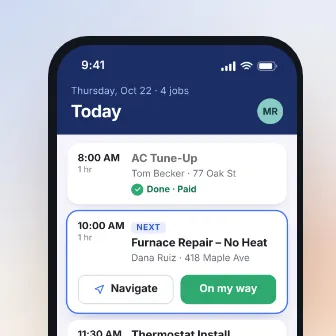 Tech app 1 feature · same in both
- Works on iPhone and Android Included Every plan
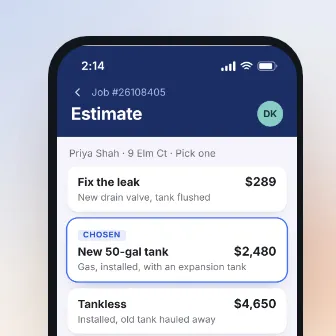 Estimates & price book 3 features · 1 not on every plan
- Estimates built on site, from the phone Included Every plan
- Good-better-best options, side by side Included Essentials plan and up
- One price book for every estimate and invoice Included Every plan
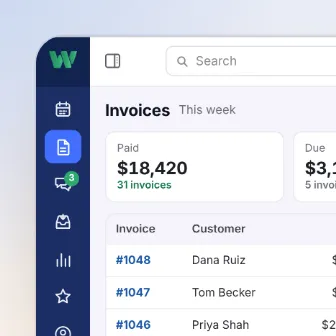 Invoices & payments 2 features · 1 not on every plan
- Finished jobs turn into invoices Included Every plan
- Log materials and other costs to the job Included Essentials plan and up
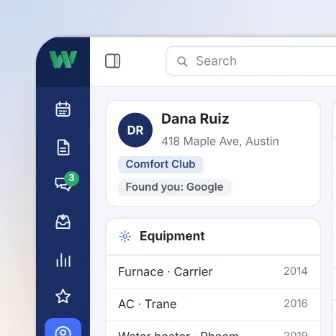 Customers & memberships 1 feature · 1 not on every plan
- Sell membership plans Included Essentials plan and up
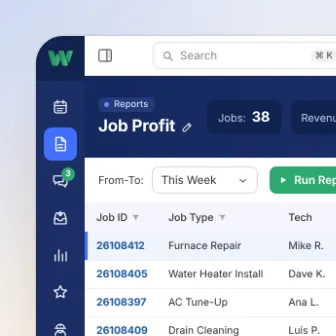 Reports 1 feature · same in both
- A dashboard of your numbers Included Every plan
Housecall Pro’s side is from its own plans page, checked October 20, 2026. 8
Switching from Housecall Pro
Housecall Pro has no long-term contract, so keep it until you’re up and running with us, then cancel. 7
We move your data, free
Customers, job history, and your price book. If your old software company won’t hand something over, we deal with them so you don’t have to.
We train your office and techs
We set up everyone’s logins and what each person sees, and train your team online.
Up and running by Day 15
Or you get a credit for every day we run late.
Thinking about switching?
See it in a 30-minute demo.
- We walk you through it on jobs like yours
- Then a free 14-day trial, no credit card
- We set it all up for you
- 24/7 support from real people
Pick a time for your demo
30 minutes, one-on-one, online.
Where each line comes from
- 1 Logins for your office. Basic is for one user. Essentials comes with 5 and MAX with 8, and each user past that is billed. Housecall Pro plans page
- 2 Your tech with no signal. With no signal, your tech can see only the jobs he opened before, and for now he can’t edit them. Housecall Pro help center, mobile app, dated Jan 21, 2026
- 3 Calls you miss. Their AI call answering, CSR AI, is a separate add-on. Housecall Pro help center, AI Team, dated Jul 22, 2026
- 4 Keeping QuickBooks up to date. The sync mostly runs one way, from Housecall Pro to QuickBooks, on the Essentials and MAX plans. Housecall Pro help center, QuickBooks sync, dated Sep 3, 2026; Housecall Pro help center, QuickBooks setup, dated Mar 5, 2026
- 5 When the app acts up. Phone support is Monday through Saturday and chat is every day, daytime hours only, Pacific time. Their Help AI answers 24/7. Housecall Pro help center, support hours, dated Jul 15, 2026
- 6 If you want out early. No long-term contract. Housecall Pro plans page
- 7 Switching from Housecall Pro. They don’t require a long-term contract, and canceling is simple. Housecall Pro plans page
- 8 Feature by feature. Their plans page asks your trade first. For HVAC and for plumbing, it lists what Basic has, what Essentials adds, and what MAX adds: sales proposals, membership plans, and job costing on Essentials; the pipeline and routes planned around live traffic on MAX. Housecall Pro plans page
Our side is what our own pages say: our Team & automation page; our Tech app page; our Calls & bookings page; our page on what comes with the plan; our contract, Support; our contract, Cancellation. Our contract’s target for a first reply is 1 hour when calling, dispatching, or taking payments has stopped completely. It’s a target, not a guaranteed resolution time.
Opens in a new tabWe checked Housecall Pro’s own website and help center on October 20, 2026. Plans and terms change, so check with Housecall Pro before you sign. Housecall Pro is a trademark of its owner, and WorkflowPros isn’t affiliated with it.