
Field service software for HVAC & plumbing shops
WorkflowPros vs. Jobber
A login for everyone in your office. QuickBooks that syncs both ways. Real people, 24/7.
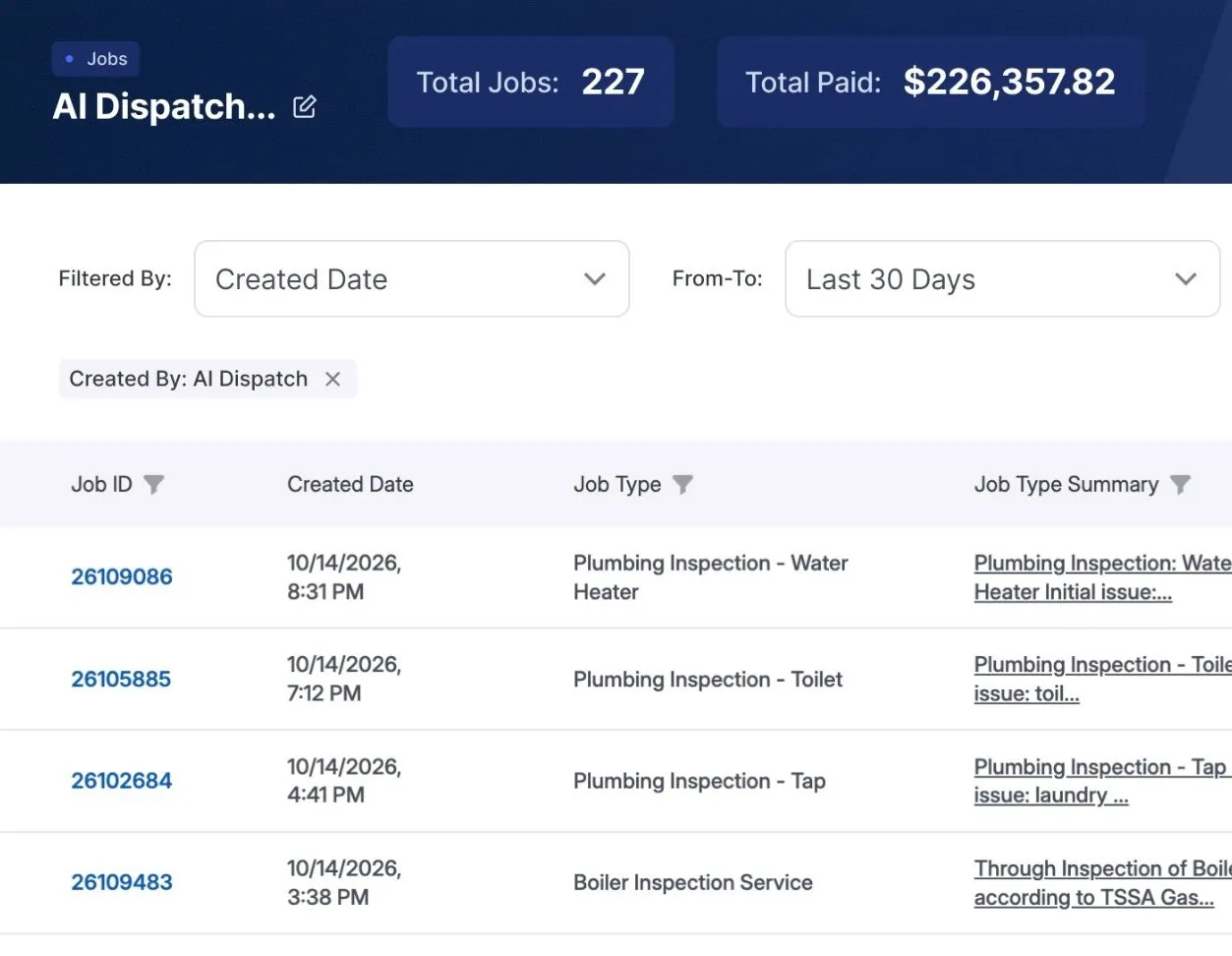
 $226K more a month with WorkflowPros 227 more jobs in 30 days, no new hires Superior Plumbing & Heating, one of our own shops, says it would have missed those calls. WorkflowPros answered them. Revenue, not profit. See the report
 Jobber’s side is from its own website and help center, checked October 20, 2026. See the sources
WorkflowPros
Logins for your office
Every office login, free
As many office logins as you need.
Every login counts
Each plan has a set number; extra users are billed. 1
Keeping QuickBooks up to date
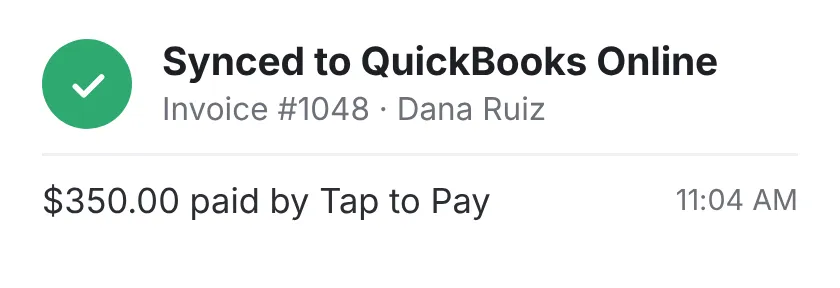
Syncs both ways
Nobody types anything twice.
One way
From Jobber into QuickBooks, on Connect and up. 2
Calls you miss
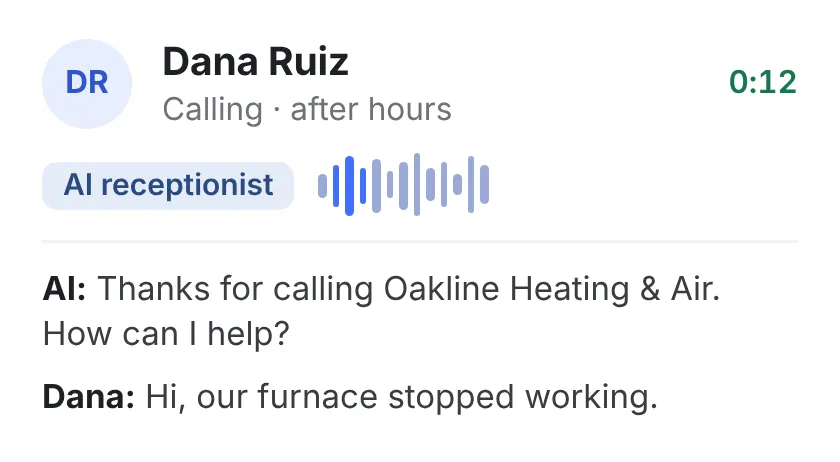
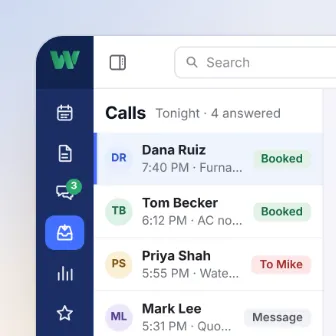
Answered and booked, 24/7
The AI receptionist books the job. 1,000 minutes a month included, extra billed.
Jobber Plus, or an add-on
Unlimited on Plus. On some plans, a paid add-on with 30 conversations a month. 3
When the app acts up
By phone, 24/7
Real people, weekends and holidays too.
Weekdays, 24/7 only on Plus
Live support runs 7 a.m. to 9:30 p.m. Eastern. 4
Your tech with no signal
Keeps working
It all syncs when he has signal again.
Works too
Their tech app works with no signal. 5
If you want out early
Cancel anytime
Month to month, with no fee to leave.
Cancel anytime too
A monthly plan you can cancel. 6
Straight from the shop’s report
227 jobs the AI booked in 30 days, from calls the shop says it would have missed
Feature by feature
Everything here comes with WorkflowPros. With Jobber, a lot of it starts on the Connect, Grow, or Plus plan.
 Calls & bookings 2 features · 1 not on every plan
- Online booking for your customers Included Every plan
- Track every call until it’s booked Included Plus plan, or an add-on
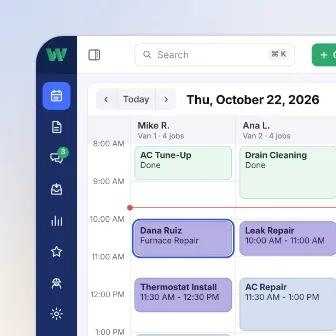 Scheduling & dispatch 5 features · 4 not on every plan
- Move a job to another tech or time Included Every plan
- Appointment reminder texts Included Connect plan and up
- The best order for the day’s stops Included Connect plan and up
- Your team on the map Included Connect plan and up
- Suggested time and tech for each new job Included Grow plan and up
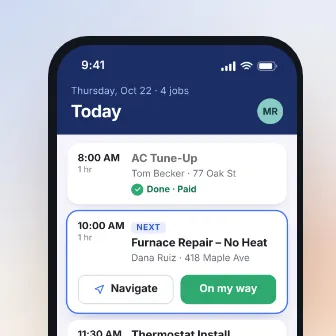 Tech app 3 features · 1 not on every plan
- Works on iPhone and Android Included Every plan
- Site photos go straight into the job Included Every plan
- Checklists and forms on the job Included Connect plan and up
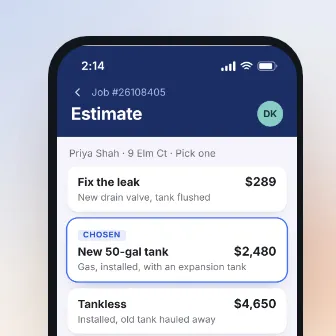 Estimates & price book 4 features · 3 not on every plan
- Estimates built on site, from the phone Included Every plan
- Automatic follow-ups on unanswered estimates Included Connect plan and up
- Describe the job, and get a draft estimate Included Connect plan and up
- Optional extras on the estimate Included Grow plan and up
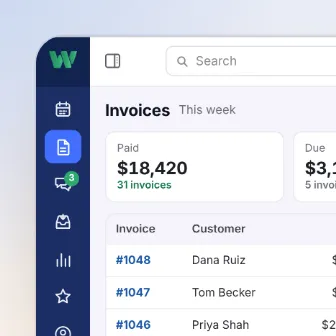 Invoices & payments 3 features · 2 not on every plan
- Finished jobs turn into invoices Included Every plan
- Reminders on unpaid invoices Included Connect plan and up
- Log materials and other costs to the job Included Connect plan and up
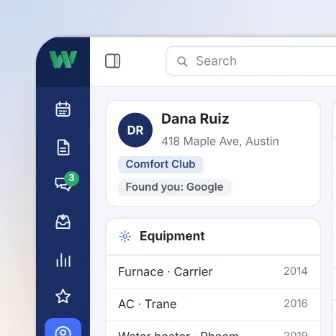 Customers & memberships 1 feature · same in both
- An online portal for your customers Included Every plan
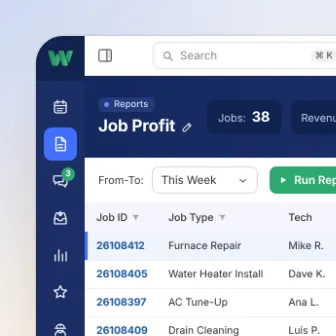 Reports 4 features · 3 not on every plan
- A dashboard of your numbers Included Every plan
- See how each tech is doing Included Connect plan and up
- See which jobs lost money, and why Included Grow plan and up
- Build the report you need Included Plus plan only
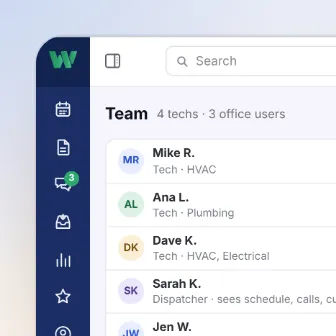 Team & automation 4 features · 4 not on every plan
- Two-way texting with customers Included Grow plan and up
- Clock-ins and time on every job Included Connect plan and up
- Set a goal and track progress Included Plus plan only
- Build your own automations Included Grow plan and up
Jobber’s side is from its own plans page, checked October 20, 2026. 8
Switching from Jobber
On a 1-year Jobber plan? Set it not to renew, tell us when it’s up, and we’ll time the switch around it. 7
We move your data, free
Customers, job history, and your price book. If your old software company won’t hand something over, we deal with them so you don’t have to.
We train your office and techs
We set up everyone’s logins and what each person sees, and train your team online.
Up and running by Day 15
Or you get a credit for every day we run late.
Thinking about switching?
See it in a 30-minute demo.
- We walk you through it on jobs like yours
- Then a free 14-day trial, no credit card
- We set it all up for you
- 24/7 support from real people
Pick a time for your demo
30 minutes, one-on-one, online.
Where each line comes from
- 1 Logins for your office. Each plan comes with a set number of users, and extra users are billed. Anyone who uses the account to see or run the schedule counts, in the office or in the field. Jobber plans page
- 2 Keeping QuickBooks up to date. The sync runs one way, from Jobber to QuickBooks, on Connect and up. Jobber QuickBooks sync; Jobber plans page
- 3 Calls you miss. Jobber Plus includes Receptionist with unlimited use. On some other plans, it’s a paid add-on with 30 conversations a month. Jobber help center, Receptionist, dated Jul 9, 2026
- 4 When the app acts up. Live support runs weekdays, 7 a.m. to 9:30 p.m. Eastern. Jobber Plus adds 24/7 phone support. Jobber help center, getting help, dated May 11, 2026; Jobber Plus
- 5 Your tech with no signal. With no signal, a tech can fill out job forms, see visit details and notes, and track time; it syncs when he has signal again. Jobber product update, dated Mar 18, 2026
- 6 If you want out early. On their monthly plan with no commitment, you can cancel anytime. Jobber plans page
- 7 Switching from Jobber. Their plans come monthly with no commitment, monthly with a 1-year commitment, or paid for the year up front. Every plan renews at the end of its term unless it’s set not to. Jobber plans page
- 8 Feature by feature. Their plans page, under “Compare all Jobber features,” shows which of the Core, Connect, Grow, and Plus plans include each feature, and which are add-ons. Jobber plans page
Our side is what our own pages say: our Team & automation page; our page on what comes with the plan; our Calls & bookings page; our contract, Support; our Tech app page; our contract, Cancellation. Our contract’s target for a first reply is 1 hour when calling, dispatching, or taking payments has stopped completely. It’s a target, not a guaranteed resolution time.
Opens in a new tabWe checked Jobber’s own website and help center on October 20, 2026. Plans and terms change, so check with Jobber before you sign. Jobber is a trademark of its owner, and WorkflowPros isn’t affiliated with it.